Table of Contents
Introduction
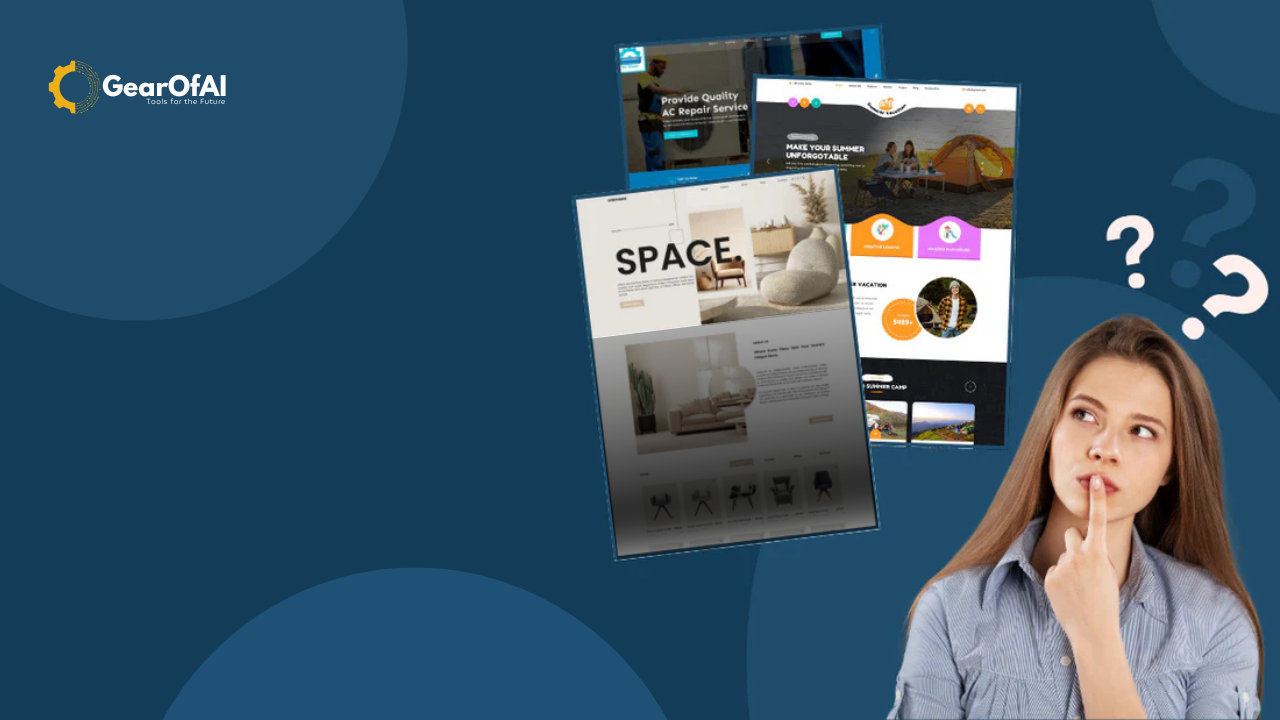
How to Choose the Right WordPress Theme for Your Site: If you’re starting a new website or redesigning your existing one, choosing the right WordPress theme is one of the most important decisions you’ll make. Your theme determines how your website looks, feels, and functions and it plays a big role in SEO, speed, and user engagement. With thousands of free and premium themes available, it can be overwhelming to find one that fits your goals.
In this comprehensive guide, we’ll break down how to choose the perfect WordPress theme for your site whether you’re building a business website, a blog, or an eCommerce store.
1. Understand Your Website’s Purpose
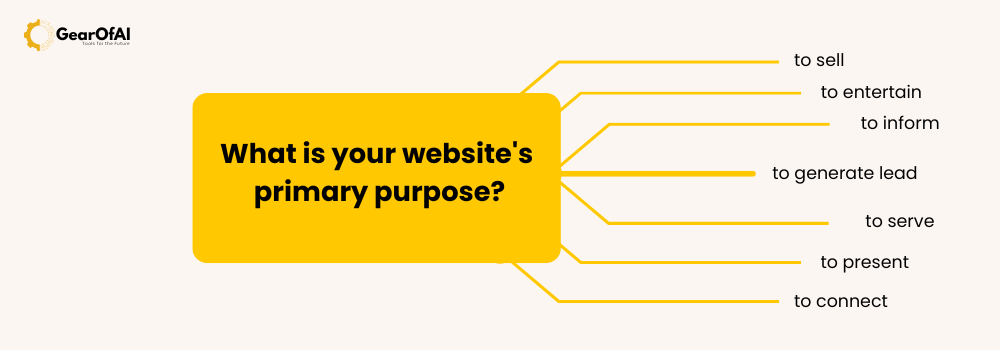
Before browsing through thousands of themes, ask yourself: What is the goal of my website?
- For bloggers: A clean, content-focused theme like Astra or GeneratePress works best.
- For business websites: Go for professional themes with built-in service sections and portfolio layouts.
- For eCommerce: Choose a WooCommerce-compatible theme like OceanWP or Flatsome.
- For portfolios or creative sites: Look for visually dynamic themes with gallery and animation options.
Once you define your purpose, finding a suitable theme becomes much easier.
2. Prioritize Speed and Performance
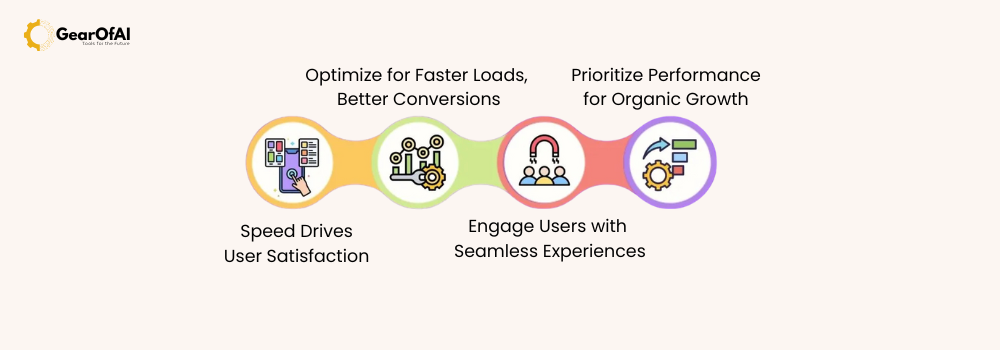
Website speed is crucial for both SEO and user experience. A slow theme can drive visitors away before your page even loads.
When selecting a theme:
- Test its demo on PageSpeed Insights or GTmetrix.
- Avoid overly bloated themes with too many animations or bundled plugins.
- Look for themes that are lightweight and optimized for performance.
Some of the best lightweight WordPress themes include:
- Astra
- GeneratePress
- Neve
- Blocksy
These themes load in under a second and work well with all major page builders.
3. Choose a Responsive and Mobile-Friendly Theme
Over 60% of website traffic now comes from mobile devices. That means your theme must adapt seamlessly to any screen size.
To test mobile responsiveness:
- Open the theme demo on your smartphone or use Chrome’s Inspect Tool to check various device views.
- Ensure menus, images, and buttons adjust properly on smaller screens.
- Themes marked “mobile-first” are generally more optimized for responsiveness.

4. SEO-Friendliness Matters
Even if your content is great, poor coding can ruin your site’s SEO. Always select a theme that’s SEO-optimized with clean, fast code and schema markup.
Tips to identify SEO-friendly themes:
- Check if the theme supports Yoast SEO or Rank Math plugins.
- Verify that headings (H1, H2, H3) are properly structured in the demo.
- Make sure the theme uses HTML5 and follows modern coding standards.
Themes like Kadence, Astra, and GeneratePress are known for solid SEO frameworks.
5. Look for Customization Options
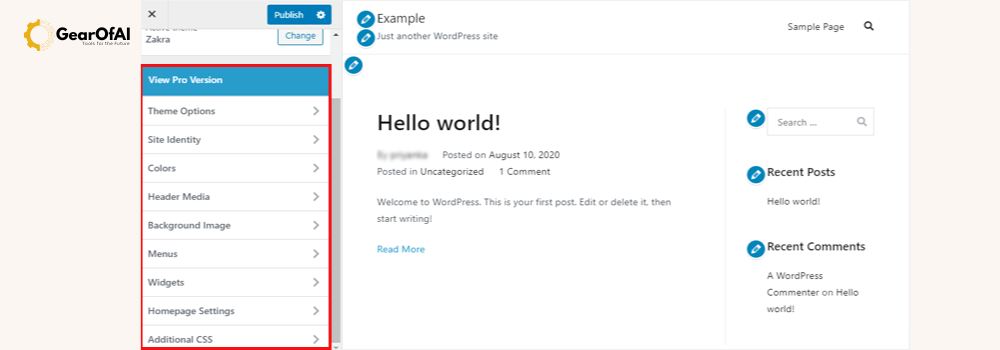
Your theme should allow easy customization without coding knowledge. This is where the WordPress Customizer and page builders (like Elementor or Gutenberg) play a key role.
Look for features like:
- Pre-built demo sites or templates
- Adjustable color schemes and typography
- Header and footer layout options
- Drag-and-drop builder compatibility
Pro tip: Avoid themes that lock you into their proprietary builder — it limits flexibility if you switch later.
6. Check Plugin Compatibility
Before purchasing or installing a theme, ensure it’s compatible with essential plugins like:
- Yoast SEO (for search optimization)
- WooCommerce (for eCommerce stores)
- WPForms (for contact forms)
- Elementor or Gutenberg (for page design)
- UpdraftPlus (for backups)
A good theme should never conflict with major plugins. Always read the theme documentation or support section before installation.
7. Read Reviews and Ratings
User feedback provides valuable insight into a theme’s performance and reliability.
Check the following:
- WordPress.org reviews for free themes
- ThemeForest ratings for premium options
- Update frequency active developers regularly push updates for security and compatibility
Avoid themes that haven’t been updated for more than 6 months.
8. Prioritize Support and Documentation
When something goes wrong and it will good support is priceless.
Look for themes that provide:
- 24/7 customer support
- Detailed setup guides and video tutorials
- Active community forums
Premium themes generally come with better customer support compared to free ones.
9. Test Before You Buy
Never install a theme blindly. Use the WordPress Theme Previewer or test it in a staging environment. This way, you can experiment without affecting your live site.
If you’re unsure, start with a free version of the theme. Many premium themes like Astra or Kadence offer free starter versions.
10. Bonus Tip: Future Scalability
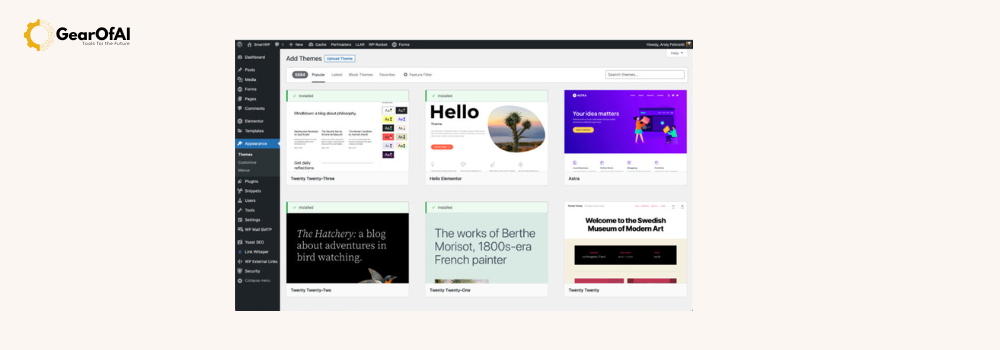
Your website will grow and your theme should grow with it. Make sure it supports:
- Page builder integrations
- WooCommerce (even if not needed now)
- Multi-language plugins like WPML
- Custom post types
A flexible, scalable theme ensures you won’t need to rebuild your site later.
Conclusion
Choosing the right WordPress theme isn’t just about looks it’s about performance, SEO, compatibility, and user experience. A well-chosen theme sets the foundation for your website’s success and helps you grow with confidence.
If you’re just starting, explore lightweight, customizable, and SEO-friendly themes like Astra, Kadence, or Neve. These themes offer great performance, visual appeal, and long-term scalability.
For more tutorials, check out our full guide section at GearOfAI.com or contact us anytime at info@gearofai.com for personalized advice.