
Introduction to WordPress: If you’ve ever thought about creating your own website whether for a blog, business, or online store chances are you’ve come across WordPress. But what exactly is WordPress, and why do millions of websites around the world depend on it?
In this article, we’ll give you a complete Introduction to WordPress, explaining what it is, how it works, and why it’s the best choice for beginners and professionals alike.
Table of Contents
🌐 What Is WordPress?
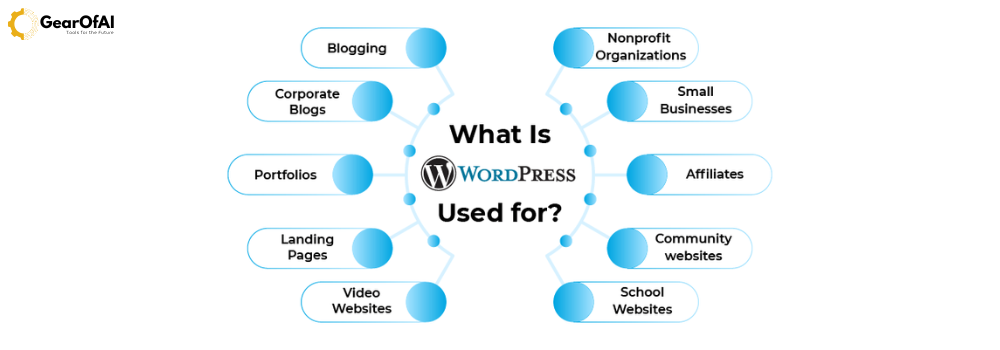
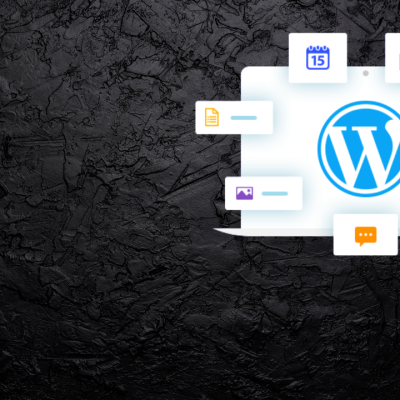
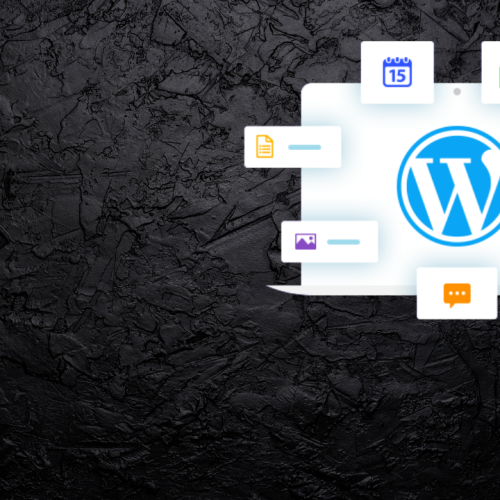
WordPress is an open-source Content Management System (CMS) that allows anyone to build and manage websites without deep technical knowledge. Originally launched in 2003 as a blogging platform, it has now evolved into the most popular CMS powering over 43% of all websites on the internet.
👉 Learn more about WordPress.org
⚙️ WordPress.org vs WordPress.com What’s the Difference?
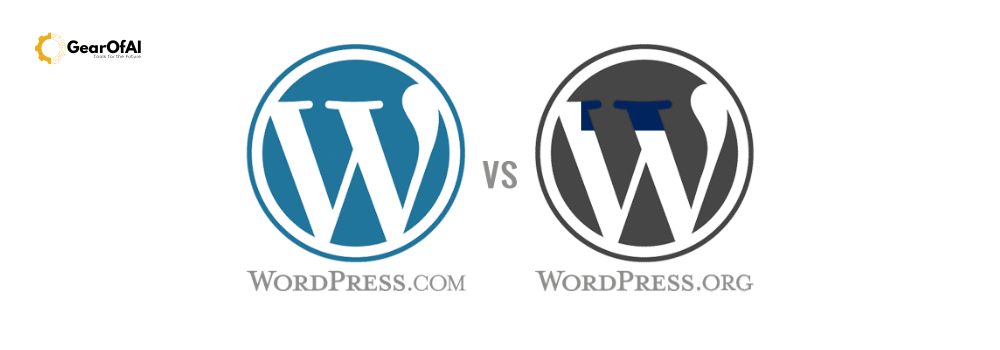
Before diving deeper, it’s important to understand the difference between WordPress.org and WordPress.com.
- WordPress.org: The self-hosted version. You install it on your own web hosting server, giving you full control over customization, plugins, and monetization.
- WordPress.com: A hosted platform where your site runs on WordPress servers. It’s beginner-friendly but offers limited flexibility unless you upgrade to premium plans.
External Link Suggestion:
👉 Official Comparison Guide – WordPress.org
🧠 Why Choose WordPress?
There are dozens of website builders out there, but WordPress remains the #1 choice. Here’s why:
- Beginner-Friendly: No coding required everything can be managed through a simple dashboard.
- Completely Customizable: Thousands of free and paid themes and plugins.
- SEO-Ready: Built with SEO best practices in mind.
- Mobile Responsive: Websites automatically adapt to different devices.
- Strong Community Support: Millions of developers and forums available for help.
🧩 Understanding Themes and Plugins
In WordPress, themes define the appearance of your website, while plugins extend its functionality.
- Themes control layout, colors, fonts, and design style.
- Plugins add extra features like contact forms, SEO tools, or eCommerce systems.
For example:
- Astra or OceanWP are lightweight, responsive themes.
- Yoast SEO, Elementor, and WooCommerce are must-have plugins.
External Link Suggestion:
👉 Explore Free Themes at WordPress.org
👉 Browse Plugins Directory
💡 How WordPress Works (Step-by-Step)
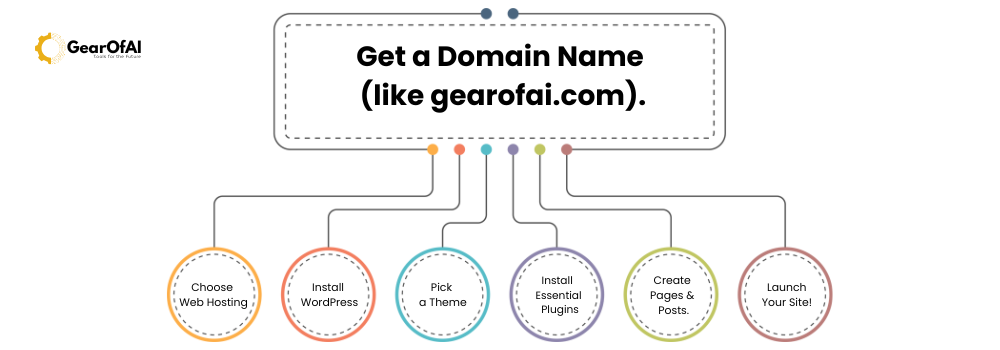
Here’s how a basic WordPress website setup works:
- Get a Domain Name (like yourwebsite.com).
- Choose Web Hosting (like Hostinger, Bluehost, or SiteGround).
- Install WordPress (most hosts offer one-click install).
- Pick a Theme that matches your style or brand.
- Install Essential Plugins for SEO, security, and performance.
- Create Pages & Posts.
- Launch Your Site!
🛠️ The WordPress Dashboard Your Control Center
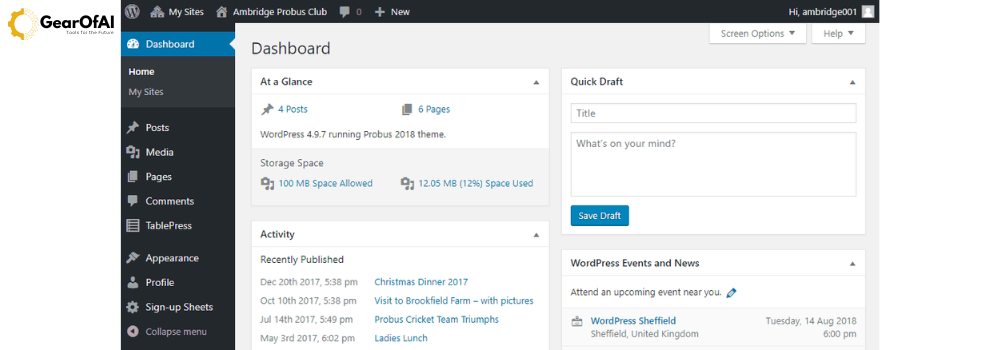
After logging in, you’ll enter the WordPress Dashboard, where you can manage everything from posts and media to plugins and appearance.
Important sections include:
- Posts & Pages: Add and manage your content.
- Appearance: Customize theme settings.
- Plugins: Add or remove functionalities.
- Settings: Control site name, links, comments, and more.
🔐 Keeping Your WordPress Website Secure

Security should always be a top priority. Here’s how to stay safe:
- Keep WordPress, themes, and plugins updated.
- Use strong passwords and limit login attempts.
- Install a reliable security plugin like Wordfence or Sucuri.
- Regularly back up your site using UpdraftPlus.
External Link:
👉 WordPress Security Best Practices
📈 SEO and WordPress A Perfect Match
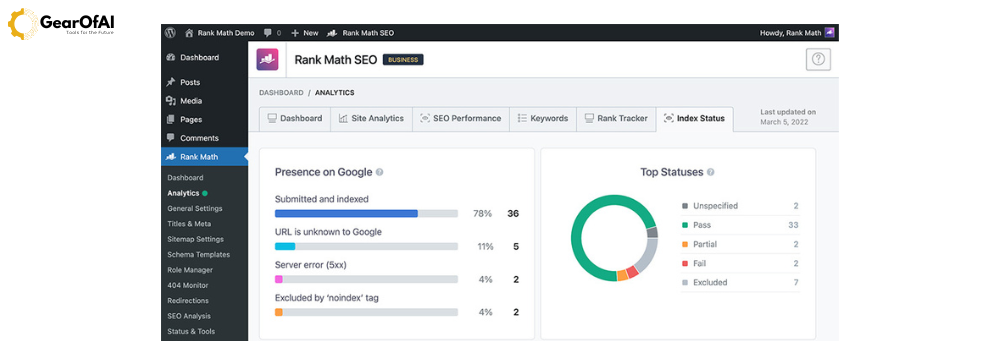
WordPress makes SEO easy. With plugins like Rank Math, you can optimize:
- Meta titles and descriptions
- Image alt texts
- Permalink structure
- XML sitemaps
- Internal linking
💬 Common Misconceptions About WordPress
- ❌ “It’s only for bloggers.” — Nope! You can build eCommerce stores, portfolios, and corporate sites.
- ❌ “You must know coding.” — Not necessary! Page builders make everything drag-and-drop.
- ❌ “WordPress is not secure.” — Regular updates and good plugins keep it safe.
🚀 Getting Started Your Next Step
Ready to start your WordPress journey?
Head over to the GearOfAI Tutorials and begin learning step-by-step from setup to mastering WordPress design.
You can also reach out to us at info@gearofai.com if you need personalized guidance or support setting up your first website.
🧾 Final Thoughts
WordPress is not just a CMS it’s a powerful platform that gives you complete creative control over your digital presence. Whether you want to run a blog, promote your business, or showcase your portfolio, mastering WordPress is one of the most valuable skills in today’s digital world.
So, start today and turn your ideas into a live website with the power of WordPress!
Author: GearOfAI Editorial Team
Contact: info@gearofai.com
Website: https://gearofai.com


2 Comments
This was such a clear and beginner friendly explanation! I’ve always heard about wordpress but did not know where to start but did not know where to start. the breakdown of its feature and how it powers most modern website really helped me understand it’s importance. excited to try building my first site after reading this.
thank you,
GearOfAI Team!
best blog for beginners